10+Top AI Video Generator in 2026-Create Stunning Videos with Texts and Prompts
I want to keep this blog very casual and conversational tone and here I’m going to give you 15+ top AI video Generator in 2025. Let’s start form the basics: What is an AI video generator? An AI video generator tool embedded with artificial intelligence to create videos automatically. In short, you input the prompts or text, it will create stunning videos.
From eight to eighty everybody now knows about AI. This is not a science-fiction anymore.
Let’s take the road of 15+ top AI video generator in 2026 by using there you can create stunning videos with texts and prompts.
Top 10+ Top AI video Generator in 2026
Sora 2: one of the best in kind in video making
This video making website/app is doing fabulous work in making videos. It helps to create high resolution realistic videos from the text samples and help creators. All you have to do is giving your imagination into text format, then this Sora 2 will do the job! Just relax on the mezzanine and enjoy your life full.
If you are a businessman, tutors, story tellers then it is a great time saving tool for you. While AI is doing the job try to other side hustle like get paid to drink water, or get paid to watch movies and other part time jobs you like.
Okey. Now I’m going to tell you its feature because I’ve been using this since it came to the market and over the period of time it has been changing its feature. I’ll try to give you the best and most asked features that you need to know about AI video generator.
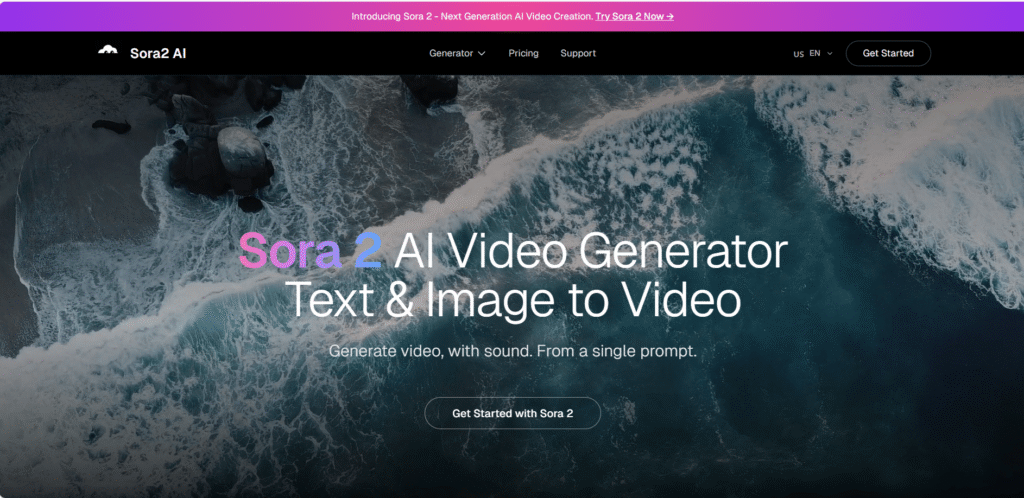
How Sora 2 works?
Text-to text video understanding
Sora ai processes your prompt and it understands the objects, characters, environments, lightning, cinematic framing, video resolution, camera angle and continuity.
Scene diffusion & frame synthesis
It builds the frame by frame. No mixing up in character flow. It creates a clear concept of the scene. refines the details like motion blur, shadows, textures etc. In video creation frame consistency is the key and, in this segment, sora.ai works beautifully like a maestro.
Smart Camera diffusion
If you add instructions like wide shot, 16:9, shallow depth, golden hour, zoom in-out, reveal. These AI videos is best for business, like video ad campaigns, product details videos, media reels, UGC style marketing, short films.
Other Features of SORA ai.
- In ultra realistic video generation.
- longer multi scene videos.
- It handles motion accuracy. Telling on that it very accurately does the running, dancing, hair face-expression, water splashes, smoke- trails etc.
- Sora.ai has multiple styles and creativity like anime, watercolor, sketches, futuristic, fantasy type etc.
Benefits of using Sora AI 2
It turns scripts into videos instantly.
No need for filming equipment it is great for story tellers, educators, tutors, freelance video maker, youtubers etc.
For High CTR (click-through- rate) business can use this as leverage. As it can help your business to grow in many folds. Suppose you are a willing to make a product video, Use this Sora AI video generator to make the products in motion.
For filmmakers it is gem, and they are not willing to give the secret to anyone. like prototypes scene build mood boards, VFX ideas. Create short films without any production team. Positive! you and your imagination and take your AI deputy work on your behalf.
Conclusion: Sora AI is the future of AI filmmaking and digital storytelling. As a sora ai expert you can easily earn your livelihood too as a freelancer. But always keep it in your mind, this is a booming sector, but consistency is key here and always ready to cope with the new technologies are the super important factor.
Google Veo 3.1
google is revolutionizing the AI video genre with all its might. It’s latest upgrade in Google DeepMind’s text-to video AI model is said to better in any of the AI video generators available in the market. Veo 3.1’s high quality video generation with natural audio making this AI generated clips feel more realistic and cinematic.
This version is best for the content creators, marketers, filmmakers, and everyday users who wants to excel their professional profile without having any big-fat production teams.
What is Google Veo 3.1?
This exceptional tool converts text prompts or reference images into short videos. You describe your imaginative words about hypothetical story idea, realistic one, product showcase-then Veo 3.1 generates a video that matches your description.
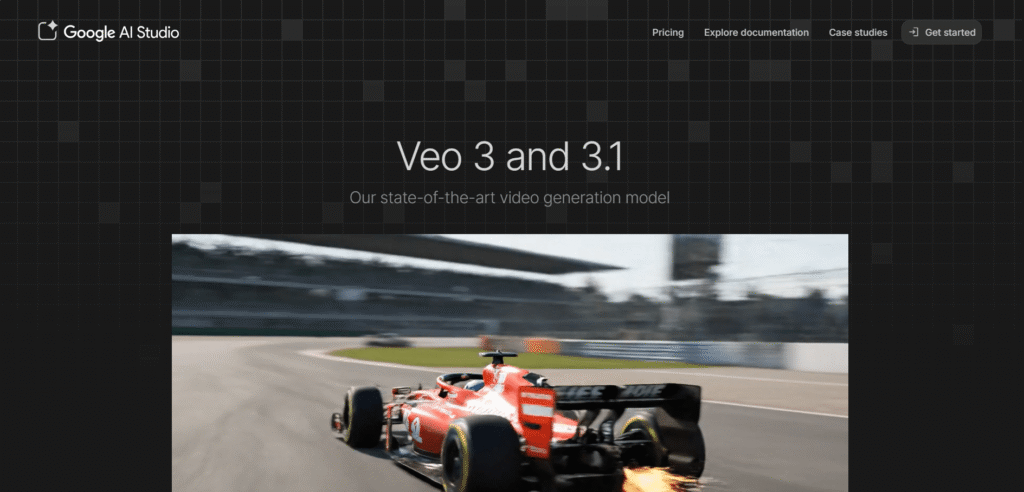
Features of Google Veo 3.1
- Google Veo 3.1 can generate short videos directly from simple or detailed text prompts. It enables even newbies to create videos easily.
- High-quality & realistic output: Veo 3.1 offers improved lighting, camera angle, textures, smooth motion, scene by scene depth etc.
- It understands the prompts accurately and maintains the consistency very well than the earlier version.
- One of the best features of Veo 3.1 is its built-in audio generation. It adds dialogue, background sounds, several ambient effects automatically.
- Its video segment has many options like music video, explainer video, character vlog, ASMR videos etc. In Video tab you can get options like; lip sync, motion sync, replace character etc.
- Here you can control frame and scene for better storytelling flow.
- Here you can create short-form video. With your free account you can create 4s,6s,8s videos. In my opinion you focus on the workflow, create multiple scenes by scene short videos and merge them. These are ideal for social media, ads, and concept previews.
- Above all to run this Google Veo 3 you need no technical video editing knowledge is needed. Write clear prompts get desired results.
Limitations Of Veo 3.1
- Despite its improvements Google Veo 3.1 still has limitations too. Video length is very short,
- Complex scenes with many characters it lags behind and inconsistencies prevail.
- High quality results depend upon well-written prompts. So one must need to excel this prompt giving.
- Full access on each and every available option on this AI video maker is limited on region and subscription level.
Final Verdicts
Google Veo 3.1 is a great leap in AI video making segment. It combines realistic videos, prompt accuracy built in audio, all helps you to create a complete video.
It is not experimental anymore. Yes, it is true that AI in near future take the position of filmmaking but for now it is best for content creators and business personals to save their time and resources.
Runway Gen-4
Runway Gen-4 is the latest creation which stand out in AI video generation category. It is built for creators who want more control, consistency, and want more freedom in creation. This tool focuses on cinematic clips and helps the creators by combining powerful creation with advanced editing tools and professional dashboards with proper workflows.
What is Runway Gen-4
All these features make Runway Gen-4 favorite among filmmakers, YouTubers, advertisers, content creators who wants AI assistance without losing creative control.
Here you can create videos from text prompts, images, or from existing video clips. This is different from other AI video making platforms as it focuses not only on text-to video tools rather it integrated into full creative platform. This platform offers both generation and post-production tools in one place.
The key features of Runway Gen-4 are consistency, controllability and repeatability these are all must have tools for professional storytelling and branded content.
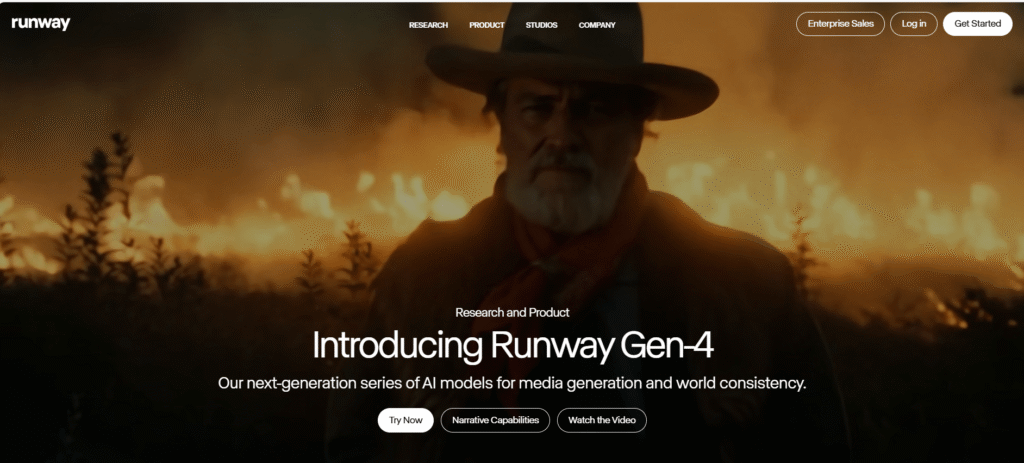
Key Features of Runway Gen-4
Runway Gen-4 has the feature where users can create text-to-video & image-to-video. Users give prompts or reference image to build the consistent characters, environments and visual styles. All these are the must have things for creating brand and story-based content.
The key feature of Runway Gen-4 has the visual consistency. Apart from that character consistency, stabilization in environments and style remain same in frames-where many other AIs are still struggle with these features.
Its build in editing features is one of the best it includes features like:
- Background removal
- Object erasing
- Green screen (AI powered)
- Motion Tracking etc…
You can call this Runway Gen-4 is more than an AI video generator- it’s a full powerhouse of editing hub.
Users get control over multiple things like motion, camera movement, scene structure, and pacing etc. This makes Runway an ideal storytelling AI tool rather than random visual results.
This AI gives the power to the creators to taste multiple prompts, styles scene variations. Thus, it helps creators in saving time and help to choose the best desired result.
Its key differences are,
- Better characters and scene consistency
- Editing and generation of videos all in one platform.
- It is not rabbit in the whole thing i.e. not just the quick clips it is designed for creative professionals.
- Its multi-step creative pipelines help creators to stay on the course no matter what.
Who Can Use Runway Gen-4?
- Runway Gen-4 is suitable for a huge range of users specially for content creators and YouTubers for creating short videos, short films, reels, or visuals stories.
- Filmmakers and video editors can use this AI for storyboarding, effects and experimental scenes.
- Designers and artists can use motion graphics, and visual concepts. For educators and the students can use this site for the production of AI-assisted videos.
But this site has limitations which you must keep in your mind:
- It requires a stable internet connection as it is totally cloud-based.
- Advance features may require a paid plan.
- Longer videos still require some pruning and planning.
In my final thoughts I can tell one thing for sure that this AI video generator is helps creators in control, consistency and quality as it generates videos and give a good shape too. This is best suited for professional-grade solution rather than a casual experiment.
Synthesia AI:
This popular AI video creation platforms made specifically for business, training and educational content. This Synthesia focuses on AI avatar-based video creation. It helps creators to make videos without cameras, actors or studios.
With Synthesia, users can turn texts into videos featuring realistic AI presenters who speaks naturally in multiple languages.
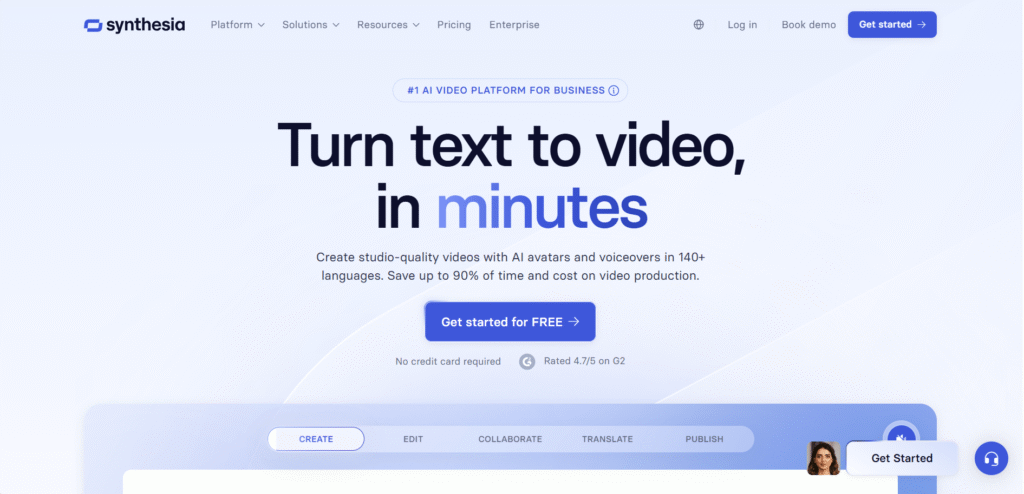
What is Synthesia AI?
This Synthesia AI allows user to create text- based scripts and AI avatars. Instead of videos cinematic scenes. An AI video appears on the screen and delivers your message clearly and professionally. People are using this as news reporters, explainer videos, YouTube shorts specially who are not to show their faces.
Key Features of Synthesia AI
Synthesia has a wide variety of AI Avatars. These avatars match the vibes of your script and deliver it in corporate or educational fashion whatever you want.
Users just have to give the script to this avatar, and they will generate the video. One need not to have any kind of video recording stuff, microphone, or editing software.
Synthesia supports more than 120 languages and exact accents. Here you can become a cosmopolitan in a very real way. Global teams, international audiences all are now just a few clicks away. literally, Synthesia is doing this kind of praiseworthy work.
Businesses can marge this Synthesia’s avatar, to maintain the brand identity, and consistency. This ai also have the ready-made templates for training, HR, sales, onboarding and presentations. If anyone wants to create a polished video quickly Synthesia can help.
Easy editing interface makes it very user friendly, especially for newbies. They can adjust background, layouts, edit the texts with just a few clicks.
What are the features that makes this Synthesia AI different from others?
- It focuses on AI presenters, not animated or only videos type one.
- Bulit specifically for business and training videos
- Consistency wise it is 100 percent reliable for video output.
- Ideal for scalability and localization, branding etc…
- Where other AI’s like Veo, Runway has the primary aim to create visuals where Synthesia AI excels in professional communication.
Limitations of Synthesia
- This AI also has some drawbacks like it is not suitable for cinematic or creative storytelling.
- Limited scene animation compared to other AI’s like Veo, Runway, Sora etc.
- It has the restricted avatar movement and expressions which can hinder you to get the desired result indeed.
- And the advanced features require paid plans.
What is my thought about Synthesia AI?
This is a powerful AI solution for business houses, tutors for educational videos as it creates clear, professional and scalable video communication and all. It wiped out all the hustle of traditional video production system and replace it with speed, consistency and global reach.
If you are looking for AI assistance, to reach your goal like training, education, corporate communication etc. You can rely on Synthesia.
Descript
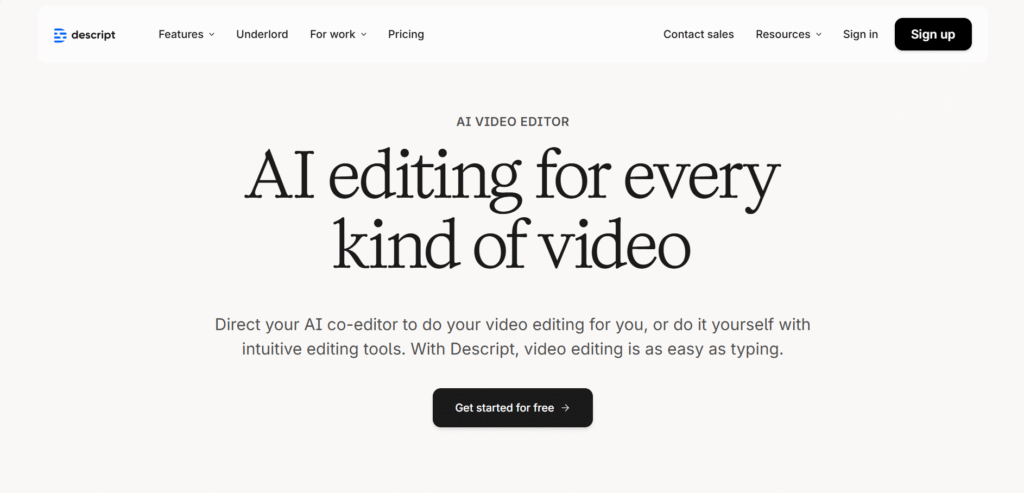
This all-in-one AI-powered video, audio editing platform is the beast in making whether you’re doing a podcast, YouTube video, screen recording or social media clips. Descript is available in desktop application in macOS, Windows, and also offers a web version.
What is Descript?
The workflow of the descript is very simple. You upload the video or audio it automatically generates a transcript. then you can easily delete the words like hmm, umm, ahh (while they are using those in the conversation), rearrange the sentences, cut sections and update the video/audio file updates accordingly.
Key features of Descript:
If you are using the descript for the first time, then this guideline is for you.
Automatic transcription: descript converts each and every word of your providing video/audio into text automatically. Thus, it saves your time, hassle form transcription.
This is text-based editing application has the option for your video or audio just by editing the text.
Need studio like sound? Descript has you covered. No soundproof recording room or expensive mic is required at all. Just a single click and boom! your desirable sound is ready for use.
While you are telling the script in front of the camera. Descript AI will adjust your camera angle and make it look like as if your eyes are locked on the camera.
Shoot where you are comfortable and no need to worry about the green screen. This AI will place any background and where you can replace it with any background you want.
This AI video maker also has the potential of giving auto-generated captions and supports translations into multiple languages. If you want to reach the global audiences, then it is best one.
Now the question is what platforms are suitable for this application?
If you are a creator in platforms like Instagram, TikTok, LinkedIn, YouTube shorts, X, Facebook every other platform you know can. This application can help you to get more larger audiences in your niche.
You can use this in long-form videos webinar etc. Suppose you want to make an impactful insight-based videos and where you want to give the reference of another video, use this AI. This AI can find the most important highlights and scrap them. Then clip them to your videos for better branding. It is literally a layman’s work. (That means I don’t want to encourage you to be a layman :))
Conclusion:
In short- Descript might be a game changer for you. Its powerful AI tools is made for content creation, reducing friction and technical complexities and less time-consuming works. If you want a great partner who is loyal to you, flexible and accessible and powerful enough for serious work. Try it. You’ll not get disappointed at all.
Luma dream Machine
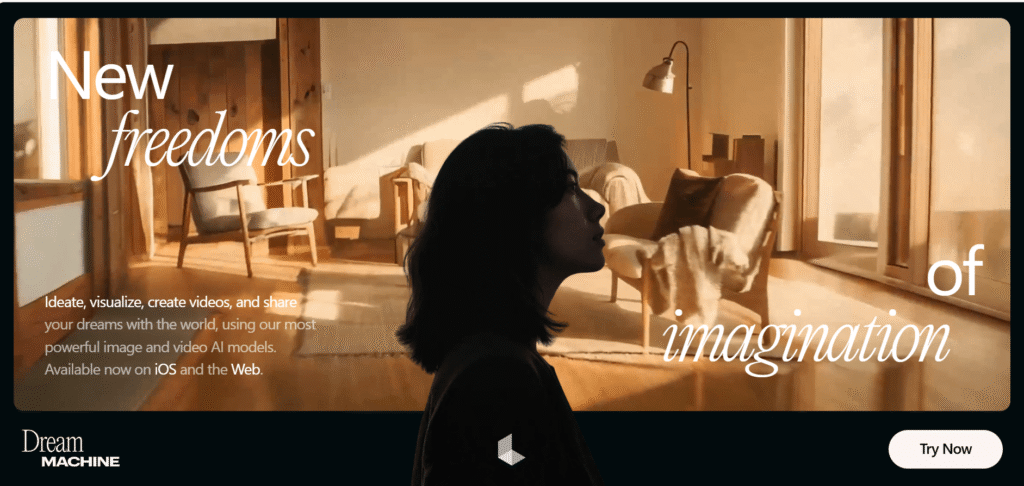
Luma dream machine turns your dream into reality. You will see what you want to watch, just putting the texts. Like you type, “A small girl is dancing on the streets without caring the people surrounded by her” This AI will create a short video for you.
What is Luma Dream Machine?
This web version is made by Luma AI, this is the same company which, known for 3D and visual capture tech. Here In Luma Dream Machine your words or text prompts into a realistic, cinematic videos. One of the best AI video generators.
Why People like Luma Dream Machine?
I’ve using this application for a while, and it feels really really real. Its movement make sense, lighting, scenes don’t feel artificial. Characters walk like humans, cars move naturally, and the camera work phenomenally real one!
You don’t need to no editing skills, animation knowledge, or elaborative pruned fancy prompts. Just describe a scene like you’re telling a story. The output is so real you will tell yourself “I wonder.”
What Luma Dream Machine’s plus point?
Text to video is super simple, just write your emotion, thinking, it will generate, no need to give complex settings or fancy prompts.
The natural motion like walking, running, water flowing, cloth moving, hair floating in the air behave greatly, close to real life. like a movie shot the camera pans out, zoom in and out and follows the main character of the video like a real movie shot.
the objects and the characters usually stay stable and consistent throughout the story. Glitching, melting happens less compared to the other AI tools.
For social media videos, visual storytelling, short films, ads, creative experiments this AI video generator is great.
What are its drawbacks:
I wanna be honest while giving you the list of Top AI video generator and it is also not free from drawbacks like:
- It is not for presenter videos like Synthesia.
- It is not fully dedicated video editor application like Runway ML.
- As a user point of view, you get limited control
- You’ll not get advanced timeline editing option.
- It is more about creating a moment not for whole project.
Final Thought (Real Talk)
Luma Dream machine is more like an AI helping hand. If you describe a scene, you can create whatever you like. This is best for creators, storytellers or a filmmaker for testing his/her ideas. Here a designer or marketer can create eye catching clips for ad promotion.
It is not perfect one and it will not replace filmmaking but for quick, cinematic AI videos? Yes! it is one of a kind for creating most impressive tool available in the market.
Kling AI
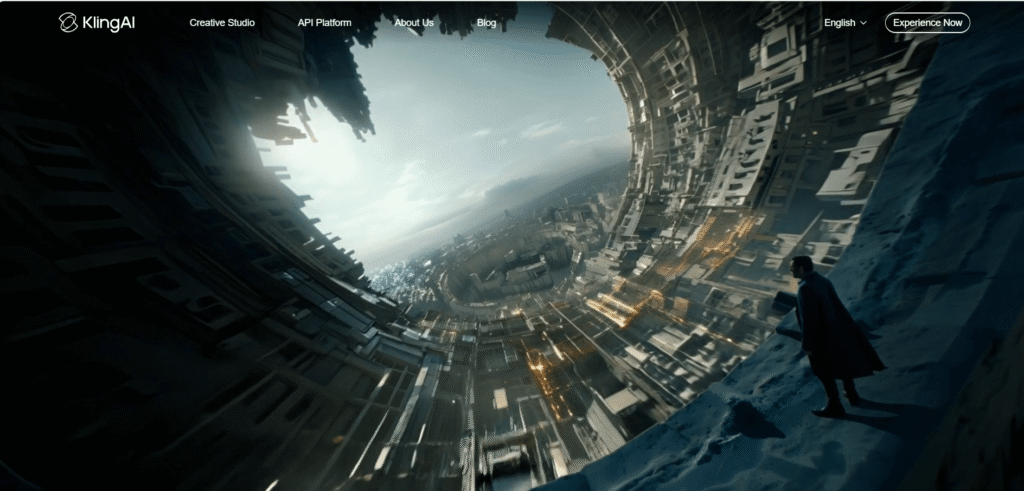
This ranks 7 on my list of 15+Top AI Video Generator in 2026-Create Stunning Videos with Texts and Prompts. Kling AI is known for producing crystal clear AI Videos. Here you can create AI images, AI sounds too.
What is Kling AI?
This AI video generator is an advanced text-to-video and image-to-video AI model created and developed by Kuaishou (a major tech company). Here you can create short, high-quality videos simply describing your thoughts in texts or by giving a reference image. The most important things in this Kling AI are visual generation, consistency in characters, and motion which is extremely believable.
What Gives Kling AI an Upper hand with Other AI video Generator?
This advanced text-to text and Image-to-video AI model’s greatest plus point is motion realism. Characters don’t just move they move naturally. Walking, running, facial expressions, even in body weight of a character feel more human compared to other AI video tools available in the market. It focuses on cinematography than any random motion.
Key features of Kling AI
You type a prompt like a scene description. Kling AI understands actions, mood, setting, tone, camera flow, dynamic or stable camera action and delivers the videos within a few minutes.
You can also give reference images and guide how characters, locations, style, camera angles, should look. This is helpful for maintaining the consistency and you will get your desirable results.
In highly realistic human motion, Kling AI is the beast here. In human gesture. walking style even it can differentiate the sobbing and crying. All the emotions, expressions look smooth and believable.
The videos that Kling AI delivers have a feel that it is captures the scene in real camera. No frame-by-frame generation. The movement looks deliberate and realistic. The stability is mind-blowing.
The output of Kling AI is one of a kind. You can expect more detailed video output compared to many basic AI video generators.
In what sections Kling AI are best
Kling AI is best for short videos
- Creative storytelling
- Mood or scene visualization
- Social media reels with realism focus
- Cinematic visual concepts
Who Should Use Kling AI?
- Content creators and storytellers
- Marketers creating realistic ads
- Designers visualizing concepts
- But to get the best result you should write clear cut, fancy prompts.
Limitations Of Kling AI:
- Videos are available in short form, not in long form.
- The editing option is limited you have to be very skilled while writing prompts for the best output.
- Access may be restricted in many regions.
you can take it a generation first tool not a full production like other AI video generators.
Final Thoughts
Kling AI is one of the impressive AI video generators available in the market. This tool can turn your written scenes into a visually believable video. If realism matters to you more than templates, videos avatars, or heavy editing, go for it, it is totally worth exploring.
HeyGen AI
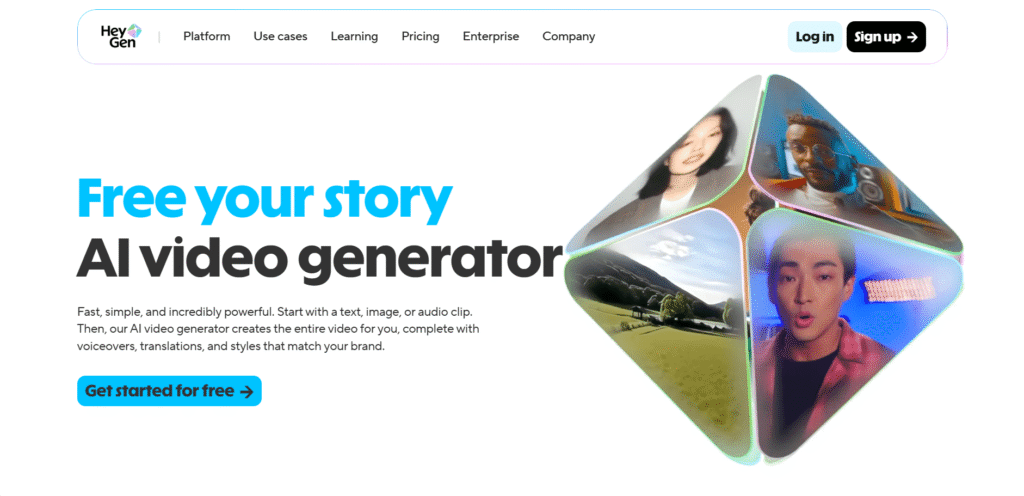
Hey beautiful readers if you are still reading, thank you! Let’s give you one of the best AI video generators titbits. Yes! this is HeyGen AI. This AI application offers free plan to its users where you can create not only text to videos or images to videos, but you can also create audio to video with HeyGen.
What is HeyGen AI?
This AI can turn your prompts into explainers’ videos. Similar to Synthesia AI this HeyGen also has a wide range of Lifelike AI avatars.
You can select from 1000+ stock avatars or generate custom by giving prompts. You can customize in every detailing like expressions, gestures, clothing, backgrounds, movements to match your vibe.
It makes video making just like a cake walk. No professional creator, editor, or any hi-fi camera are in no need. Just you and your pruned text is enough. This HeyGen AI will become your co-partner in your creation or in business.
This Ai is best for its clear-cut communication, marketing and presentation.
Features of HeyGen AI
AI Avatars or talking head videos is its specialty. HeyGen’s wide range of AI avatars are maestro in speaking. These maintain the natural flowing of the speaking and maintain the eye contact with the camera. These videos are best for sales videos, training tutorials and social media content.
Apart from its text to video features this HeyGen AI has multi-language and voice support. More than 175+ languages are available here So, reaching global audiences become easy. With this feature you can localize any things.
Lip-sync accuracy is another feature of its. You never feel Its “AI-ish”. The tone and the throw its completely natural so, your viewers can connect it easily.
HeyGen’s backgrounds & layouts option gives its users upper hand to keep their desirable videos professional and presentation-friendly.
The Platform is very easy to operate. Even a newbie can create a complete video in a few minutes.
Why is it Different or on what ground?
The answer is very clear to me. It is not the best filmmaking or editing tool. Rather its focus is fast, presenter-style videos that feel polished and professional one.
- Apart from this HeyGen is more marketing-focused than cinematic tools like the previous AI video generator.
- It is designed for upscaling and repeatability.
- Strong avatar realism and lip-sync.
If you are running a marketing company, sales team, or you are an educator and trainer in any niche, or you have a business which need consistent video branding.
Limitation of HeyGen AI
But oh! This tool also has the limitations too;
- It is not suitable for cinematic or creative storytelling for that you can use Luma Dream Machine.
- This is best for short or medium length videos.
- Advanced features require a paid plan which is comparatively costly for a beginner.
My final Thought:
HeyGen AI’s simple workflow draws more attention of mine. Just choose an AI avatar, write your script, select language and voice, pick suitable background or layout then press the generate and then the download the video. These 2 lines is enough to give it a try. So, why late try this AI video generator.
If your goal is put a human face to your message- without turning on a camera-HeyGen AI does that job too good.
Pictory AI
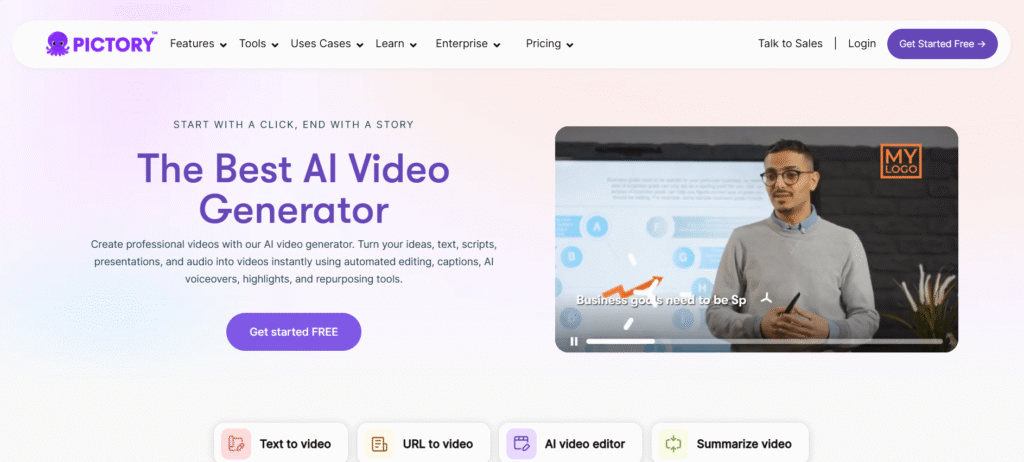
This website’s slogan or catchline whatever you want to tell is depict its true nature. It says, “Start with a click, End with a story.” With the help of this AI, you can create professional, customized branding-focused videos with just a few clicks.
What is Pictory AI?
This Pictory AI can turn your ideas, text, scripts, presentations and audio into videos almost in no time. This tool enables you to edit, give captions, voiceovers, highlights and repurpose your old videos.
What are the Key Features of This Pictory AI?
- In content repurposing it is the best. Your written blog, articles, scripts can be turn into videos within a few minutes.
- Just paste your blog URL or content, text and it turns your article into a short video.
- One of the great features of this AI is automatic captions. Pictory AI generates on-screen captions, thus it becomes social media friendly.
- This Pictory AI has a large pool of stock images and video clips that AI automatically matches with your script.
- It has voiceover and background music option.
- Here you can adjust your visuals, text, tweak layouts with just a few click.
- There are options of various sizes of option like horizontal, vertical, square aspect ratio settings. So, if you are a content creator and posts content in various social media platform like YouTube, TikTok, Instagram or in presentations. The scene content automatically adjusts itself.
- If you are running a business this Pictory AI has the power to become a trustable marketing partner. You add your Brand colors, fonts, logos and make videos according to it.
- There are other options too like layouts, transitions, text styles, just choose the write one which goes with your branding and matches your identity.
- The important part is this AI video generator is coming with its new avatar models.
Who can use Pictory AI?
Pictory AI has capability to manage a wide range of work such as;
- Marketing agencies
- Digital marketers
- learning and Development.
- Business professionals and organizations
- Enterprise content teams
- Social media manager
- Coaches
- YouTube creators
- Course creators
- Content creators
- Content Marketers etc…
The Limitations of Pictory AI
I want to give you an honest review;
- This Pictory AI has very limited creative control.
- Your prompt is key here. If you don’t write exact prompts, then you will not get your desirable result at all.
- This Pictory AI is not suitable for cinematic storytelling.
- The stock visuals may feel generic which is really bad for content as using those images your viewers may feel boar.
- This is best for informational content, not films.
My Point of View on Pictory AI
Practically speaking Pictory AI is best for time-saving tool for turning text into videos. if you wanna scale your content, repurposing blogs or articles, or create quick and promotional videos, Pictory AI does the job without any complexity.
It’s a great choice for those people who want useful professional videos, no fancy productions.
Vyond
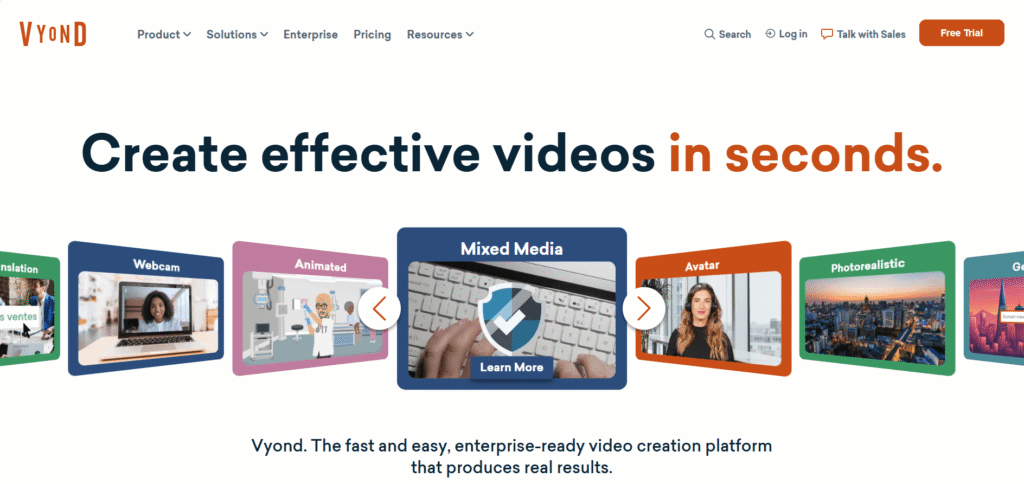
This cloud-based video/animation creating platform that helps its users to make animated or media-based videos easily. If you want to dig deeper, this Vyond started in 2007 under the name of GoAnimate, but now Vyond it is helping businesses, educators, content creators, whoever wants a professional looking video. You will get elated when you knew that 65% of the Fortune 500 rely on Vyond.
What can Vyond Do-Key Features
Vyond can turn texts, document, URL anything into videos. Just entering the input and Kaboom!
This application has huge list of templates. Here you can find various kind of templates like wide range of styles, settings, characters and props etc…
This AI video generator has drag-and-drop feature. Just choose your things you want in your videos then this AI will do magic.
There are ample of options like if you want a “cartoon style animation”, a business friendly “whiteboard or corporate” or mixed media type, (for example, animation+real images/videos) as Vyond AI supports multiple formats and styles.
In case of using characters, you can a use its lip-synced dialog or narration. Thus, your video stories feel more dynamic and alive.
Here you can use your own voice for voiceover, and this application supports multiple language so local to global all will be accessible to you.
Since this application is cloud based you don’t have to be bothered about powerful hardware or special software. This is purely needing two thing internet + a web browser.
This browse application produces videos in minutes or a few hours because its AI and pre-made templates. I’m assuring you this Vyond is much faster than any traditional video- production unit’s workflow.
Why Vyond is different
Vyond does not want any kind of drawing skills, complex timelines or experience in editing, a big team of professionals. Vyond AI takes that responsibility on all those things.
Even if a newbie who does not have any kind of experience in animation can do this thing. Only if you can write a script or prompt or an outline you can make videos.
Its flexibility is awesome from cartoon-styled animation to corporate videos that means you can create or focus what kind of videos you want to create your content that’s it.
Who Can Use this Vyond and How it works
For Businesses and corporation whatever size is it, large, medium and small.
If you are in some kind of internal communication, training, onboarding HR messages or corporates notice giver Vyond can help you in that. It can make quick videos based on your script and this is pretty consistent.
If you use this as an organizer, then you maintain the branding via logos, brand colors, watermarks everything.
You can use this in marketing, sales by using this as an explainer video, product ad, promotional clips, social media videos etc…
For educators, this can-do magic indeed. Your existing material can do the job like presentations, slides document you previously did. Now with the help of Vyond you can turn your content more engaging.
My Final Thoughts:
If I start writing all of these things then maybe it will be long. So, if you are taking my word, use this beautiful AI. Let me tell you this website has more than you think visitor nearly 700k per month. Then why not you give it a try.
Vyond gives an easy, affordable, and fantastic way to bring your idea, imagination into a video. If you are an educator, content creator, or just a person who wants to make your creativity a lively one Vyond AI video generator is a perfect one for exploring.
InVideo
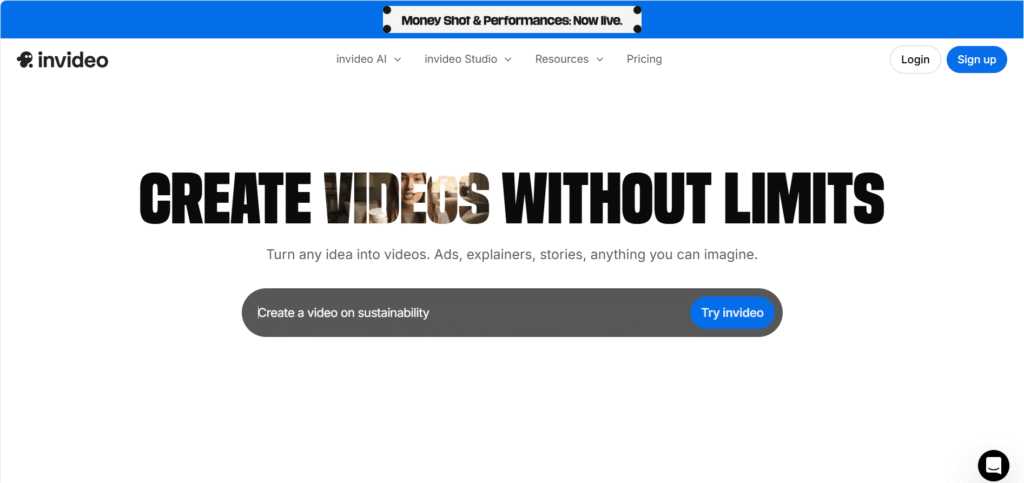
This is one of the easy and AI video generator platforms that you could ever imagine. Like other AI video generator this InVideo AI is doing more similar kind of thing. If you are running a smaller business, or you’re a video editor, or you’re a content creator or a freelancer, want to make AI videos for others then this InVideo AI is likely to get attention of yours through its quick working capability.
What are the InVideo’s features?
The best feature of this InVideo AI is frequency of delivering videos. If you don’t have hours to spend on the editing, then InVideo is the best option available in the market.
You enter the prompt, InVideo AI will dig your prompt, the titbits of it then it’ll automatically create the video with scene by scene, transition and present you the best video.
Its Huge template library is all set to give you the best result. With 5000+ templates, huge stock photos, audio tracks all make your option is wide open. You just put your thoughts together and make videos according to it.
In InVideo AI there is a great number of pre-designed videos you can use those in your,
- YouTube Videos
- Instagram Reels & shorts
- Facebook Ads
- Business Promos
- Presentations etc…
There are stock images based on,
- community
- Trending
- Effects
- Million Dollar Ads
- Money Shot
- Performances
- VFX houses
- UGC & Avatars
- Music Videos and what not…
Simple Drag-and-Drop editor this is killing features of this InVideo AI. If you wanna to change video, you can change it quickly like change text, replace visuals, trim scenes or add any music or stickers.
Different aspect ratio is also its key feature, and you can use this to create various social media content like YouTube Videos, Instagram, TikTok, Facebook and more…
Who should Use InVideo?
- Content creators and influencers can use this for social media videos.
- Small shop owners, and startups can use this to make promotional videos of their product.
- Digital marketers can manage several things like campaigns and ads.
- Educators and trainers who wants to make explainer or tutorial videos for better teaching.
- And of course, for beginners who are in null experience in video making and wants to make AI generated video for fun purpose.
Limitations to Keep in Mind While Using InVideo AI
- This is not best for cinematic storytelling
- Limited control on editing compared to other AI video generator.
- Stock Visuals you can feel generic sometime, and you are using these images along with other 5-6 Millon people. So your prompt must be very very unique.
- You put average prompt then the output will also be average, always keep this in your mind.
Final thoughts about InVideo AI
This AI is worthy for trying for its fast, easy interface and professional looking videos. This is especially helpful for business, marketers, social media content creators who want to make content in regular basis. If you need a budget-friendly AI generator then go for it. It will definitely save your time and money on top of that you will get a professional video maker in your team.
Hailuo AI
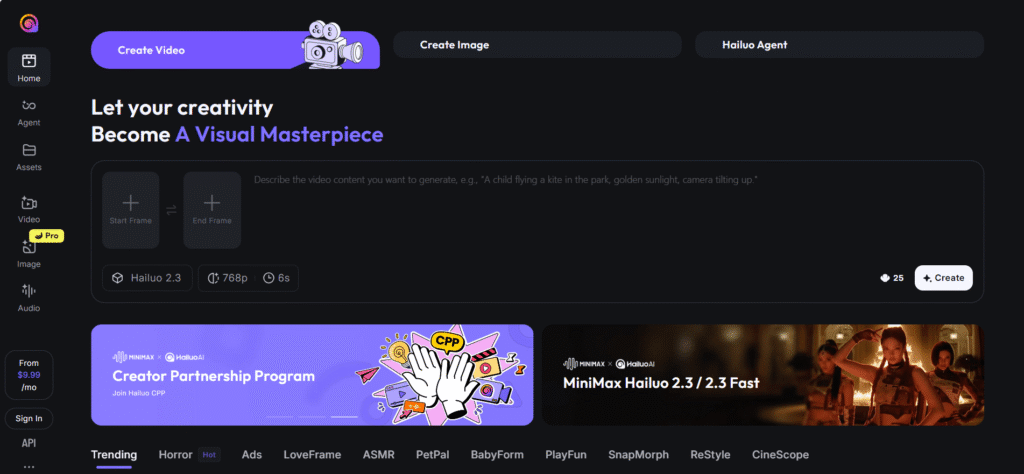
This is the pioneer of AI video generator web application. Strikingly awesome this Hailuo AI is one of a kind. Best for transforming text or images into short cinematic, realistic videos with smooth motion graphic, expressive characters all in one place.
In short: Hailuo AI to let anyone-literally anyone without any knowledge can make AI videos. You don’t need any kind of editing experience rather be a good prompt giver. With the prompt you bring your ideas, stories, or any visuals to life in video form.
Key Features of Hailuo AI:
- Text-to-video and Image-to-video are the key feature of this AI video generator too.
- Choose styles, like anime, ultra realistic, cartoonish and other stylized and visual effects to match your style.
- Hailuo AI applies filters, lightning, camera angles smooth transitions etc…
- Here you can add AI voiceover, sound, music. This is best for social media content creator.
- Hailuo AI has different output formats like 16:9, 9:16, 1:1 etc. So, this is best for YouTube, Reels, Shorts or other social media platforms.
- Most importantly, This Hailuo AI has Agent-style workflow. Through this you can get real time video creation. In editing option, you can edit scene by scene frame by frame. drag and drop option.
- It is like a directing your own movie without any production team just you and Hailuo AI, as your deputy.
Hailuo AI’s Free features:
In free plan you can get 6s video clip and 768p resolution but in different mode of video. In advance or agent section you can create 1080p resolution and minimum 10s videos. In paid plans it delivers more realistic and cinematic output.
What kind of Videos you can get in Hailuo AI
- Short cinematic clips, social media content, reels/shots for various social media platform.
- Concept visualization is one of the best features of this Hailuo AI.
- Script based educational videos, explanations in animated way where your students get excitement and engagement in your teachings.
- Its huge bundle of template has more than sufficient AI videos where even a beginners can decorate his social media with awestruck images, videos.
Limitations of Hailuo AI
- Its free plan comes with watermark which is not good.
- Free plan has low-quality output although you can tell it reasonable but if you are want to make professional videos then output should be same. It is my personal opinion.
- Facial expression, motion like running, dancing, leaping looks artificial, sometimes it gives generic output. In that case strong, precise prompts is utmost necessary things.
- Hailuo AI ‘s best usage is in short clips, promos, concept videos etc. It is not suitable for long-form videos.
Hailuo AI is best for:
- For social media Content creator, educator, small business owner who wants to run commercial ads.
- People who want short form videos can use this Hailuo AI.
- Film students, freelance artists designers can create prototype of their real work.
- If you don’t have any kind professional our technical to make a video, then Hailuo AI is a solid choice for you.
Conclusion; Is Hailuo AI Worth Trying?
Need quick, engaging, encouraging short form videos for marketing, social media, demo videos Hailuo AI is a great tool indeed.
The free plan gives an experimental chance to excel your output. Its video agent feature offers a balance in creativity and professionalism. In my opinion you should try this at least its free version Later move to pro version.
Animaker.AI
The name is telling its works. This anime maker AI video generator is the best in its field. This application has more than 1.6M per month visitor and on an average, a normal users spend at least 3.30 minute in its websites. These data telling the firm foot of Animaker.AI in the genre of AI video generator field.
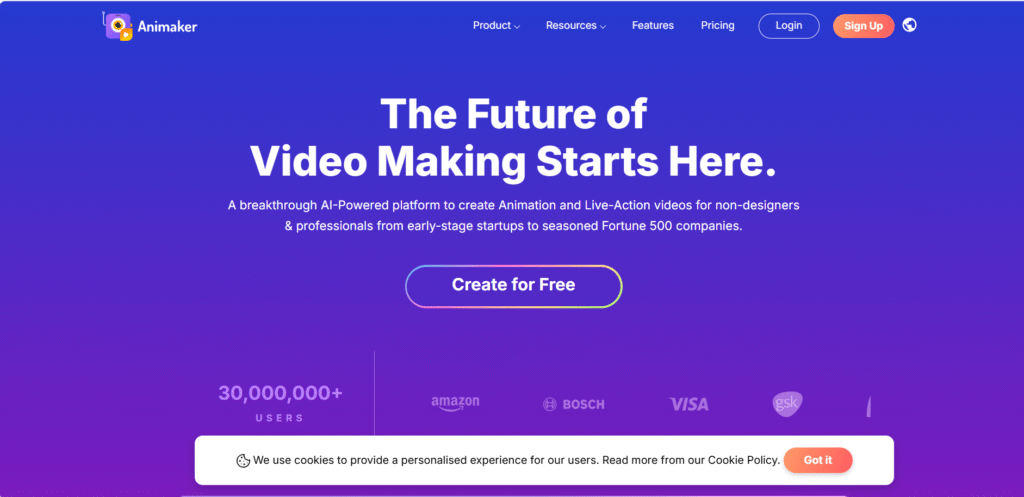
Features of Animemaker.AI
- This is not the same generic video generator as other AI video generators. This is a full creative suite. It’s AI animation generator’s text-to-video is working top-notch. AI reads your ideas and turns into visuals automatically. You don’t need to have any kind of design skills anymore.
- It has the classic white-board animation. Give a shot with this feature and transform the complex ideas of yours into great visuals.
- Animemaker.AI has gen AI videos and clip generation feature. Just give the prompt and within minutes it will create a studio-quality video.
- With 1000+ voice examples and 100+ languages give its users a lot of lot of option to choose form. Auto lip-sync with its characters now easy. Your brand can become global and local basis without much effort.
- Its AI subtitle generator and auto translate option is a very utility app. Add subtitle to your videos and translate it in no time.
- Real time collaboration is its one of the fine features of this Animemaker.AI. Here you can collaborate with your friends and teammates and input the best to get the best output. This is actually a cool feature to save your time and no longer revision is needed here.
- Branding is the key in any company you run either it is small or big. With Animemaker.AI’s brand kit you can multiply your brand presence everywhere. The consistency is the key here, add your brand logo, color, font etc… create the exact boom you want for your business.
- Building your own character is its marvelous feature. This AI video generator platform also has 1000+ animation templates too.
Who can use this Animemaker.AI
Animemaker.AI’ best feature can be used in several ways by different kind of people like content and social media creators.
For business and marketers, it has many features like Ai infographic can be a time and bucks’ saver for you. Apart from this running ads, brand explainers can be done by without any expensive production team.
For educators and trainers this could be beautiful one. Animation catches everyone’s eyes so if you are an educator, you can cater engaging videos for your students.
For HR and internal teams, it can a great time and money saver for sending team messages, presentations and for internal communications.
You can use this for fun and personal use like wishes, wedding invites, travel slideshows and social greetings etc.
The Limitations of Free Plans
- With free version there are many limitations like, with free plan Animemaker.AI includes its watermark which is a painful for a free user.
- Export quality is very low in free version.
- Sometimes it creates generic output, so giving polished prompt is utmost necessary.
- So, if you need watermark and more high-quality video then buy premium subscription.
- Even in pro plans there are monthly download limits, that means you must plan how you are going to use those limited numbers of downloads.
- Certain props, motions, characters aren’t fully editable.
- If you want 2k or 4k resolution video it will take longer rendering time.
- No offline editing is available in this site so, strong internet connection is necessary.
- You’ll not get full studio-level animation depth that is a negative one. Yes, there are drag-and-drop option so, as a beginner one can really excel on this platform.
Final Knock
My opinion says if you are a content creator or an educator or run a small business this application is a solid one. Smart AI tools, minimal editing, 1000+ templates and 100+ multi-language support make this web application become a first choice of many. Give it a try in free version then upgrade to pro or premium mode.